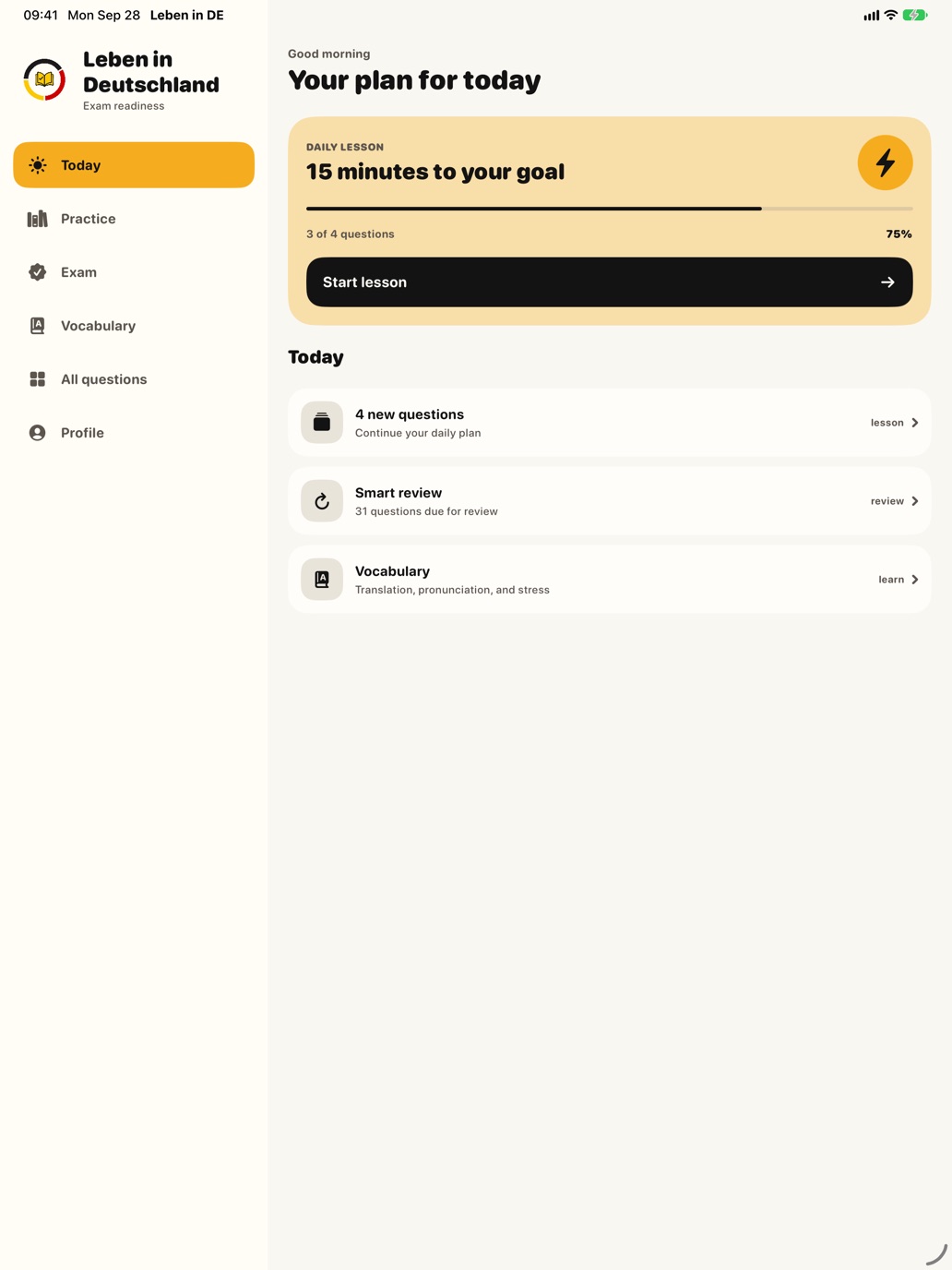
Daily plan
A plan for every day until the exam
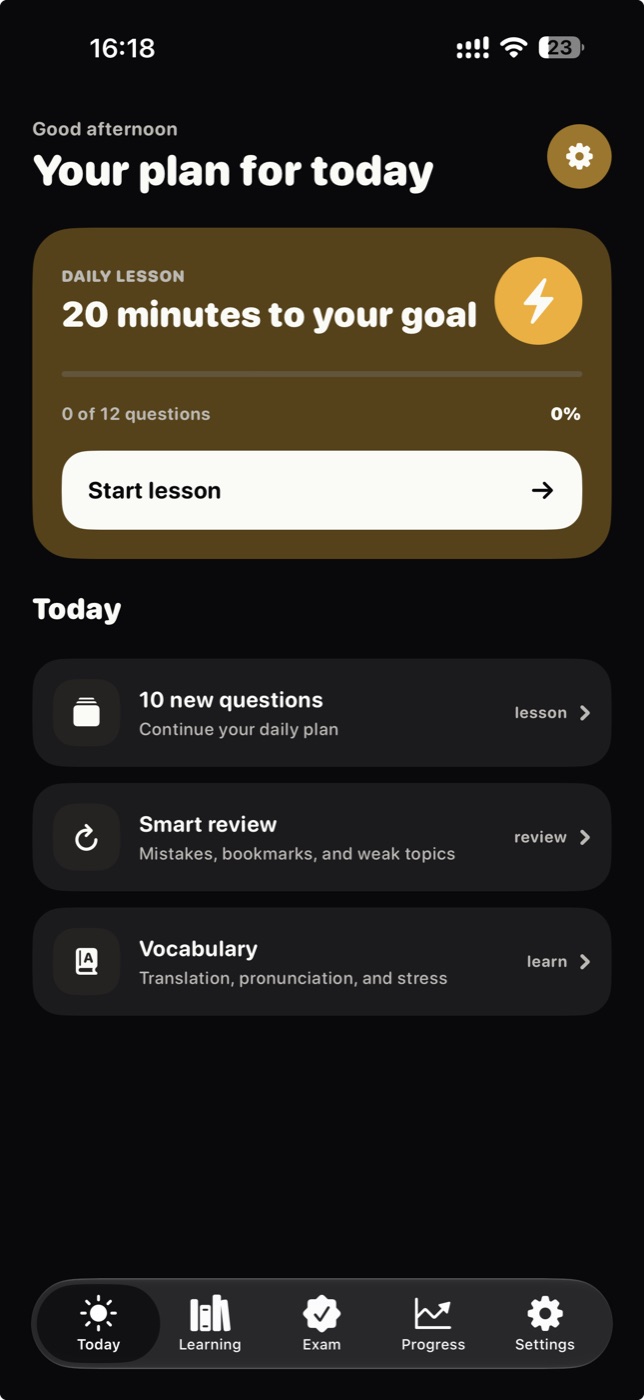
Set your exam date and how much time you have. The app builds a short lesson for each day, adjusts it as you go and reminds you at the time you choose.
Prepare for the German citizenship test with a clear explanation for every question, a daily plan, spaced repetition and mock exams like the real one.
 For iPhone and iPad
All questions from the official catalogue, and mock exams with the same rules as the test.
Set your exam date and how much time you have. The app builds a short lesson for each day, adjusts it as you go and reminds you at the time you choose.
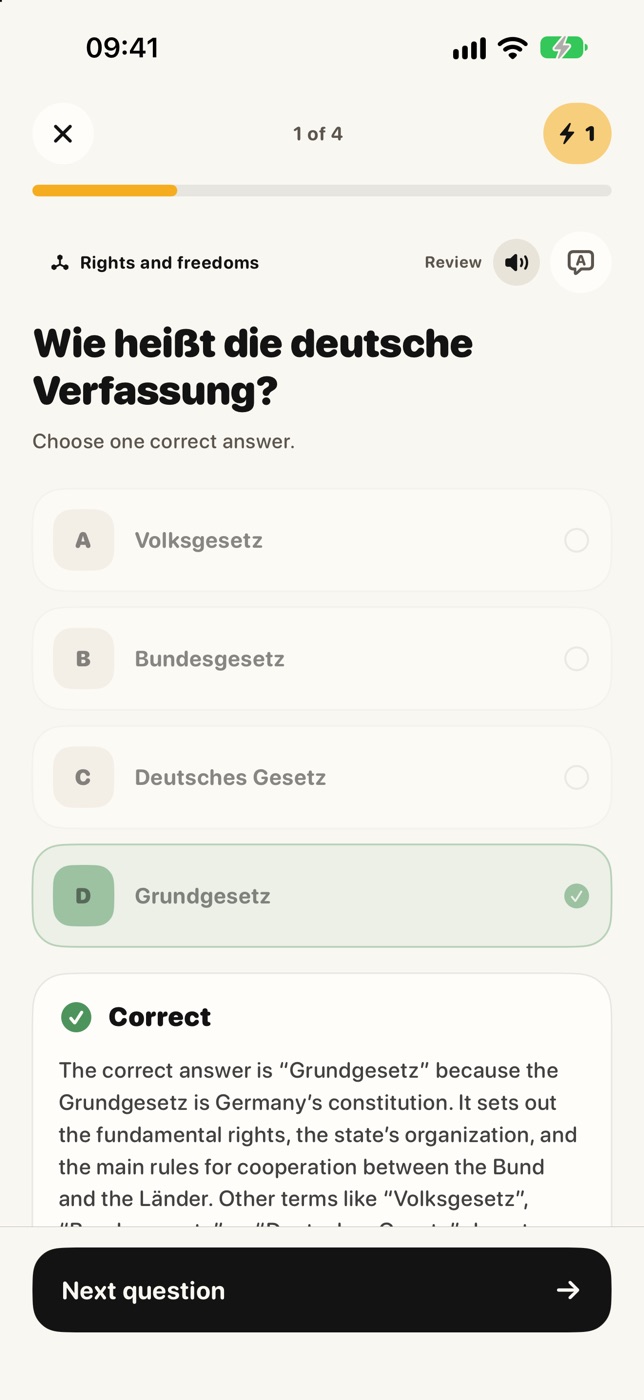
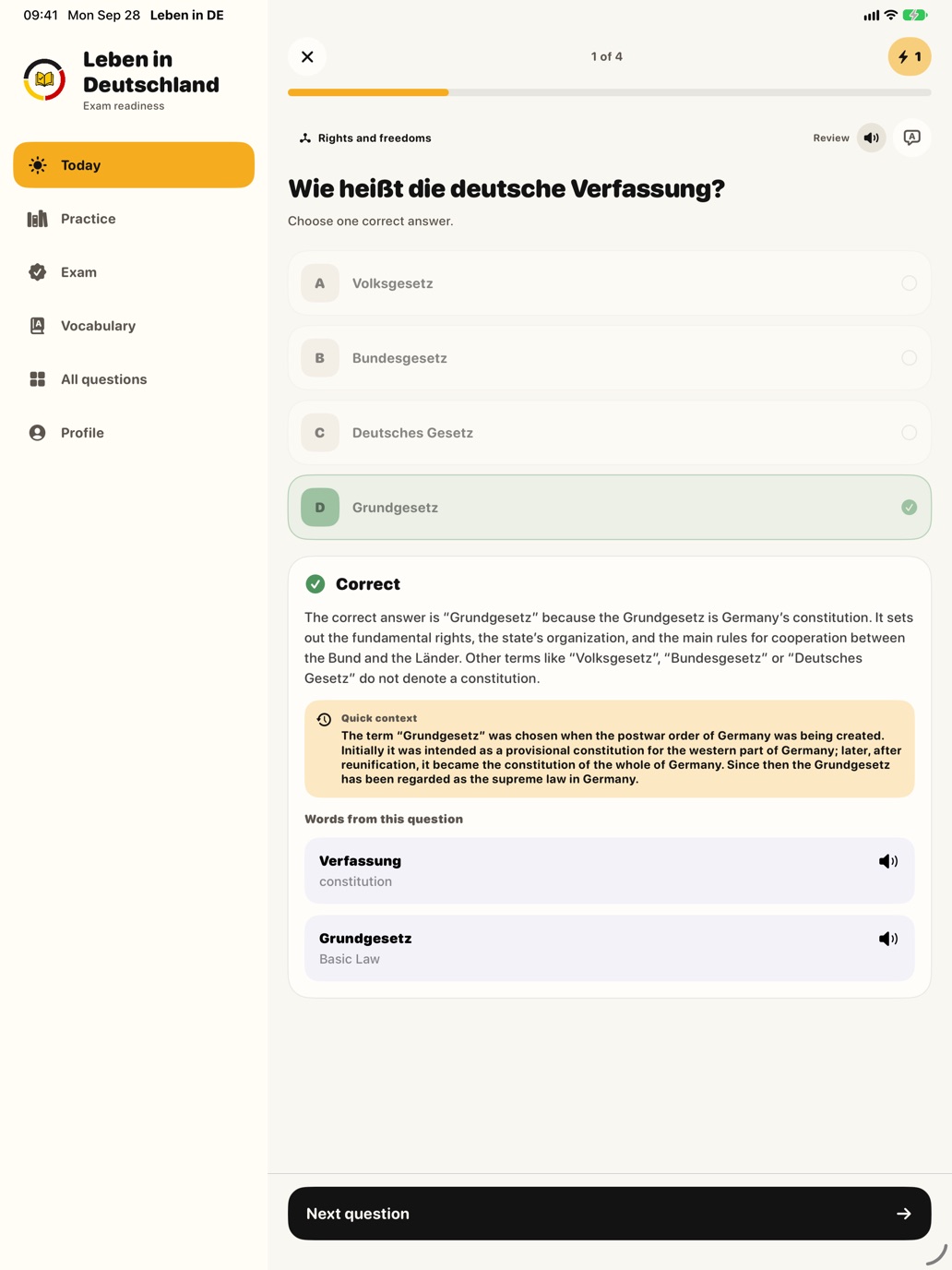
Every question comes with a plain-language explanation of why the answer is right, a translation into your language and German read-aloud, so you also hear how it sounds.
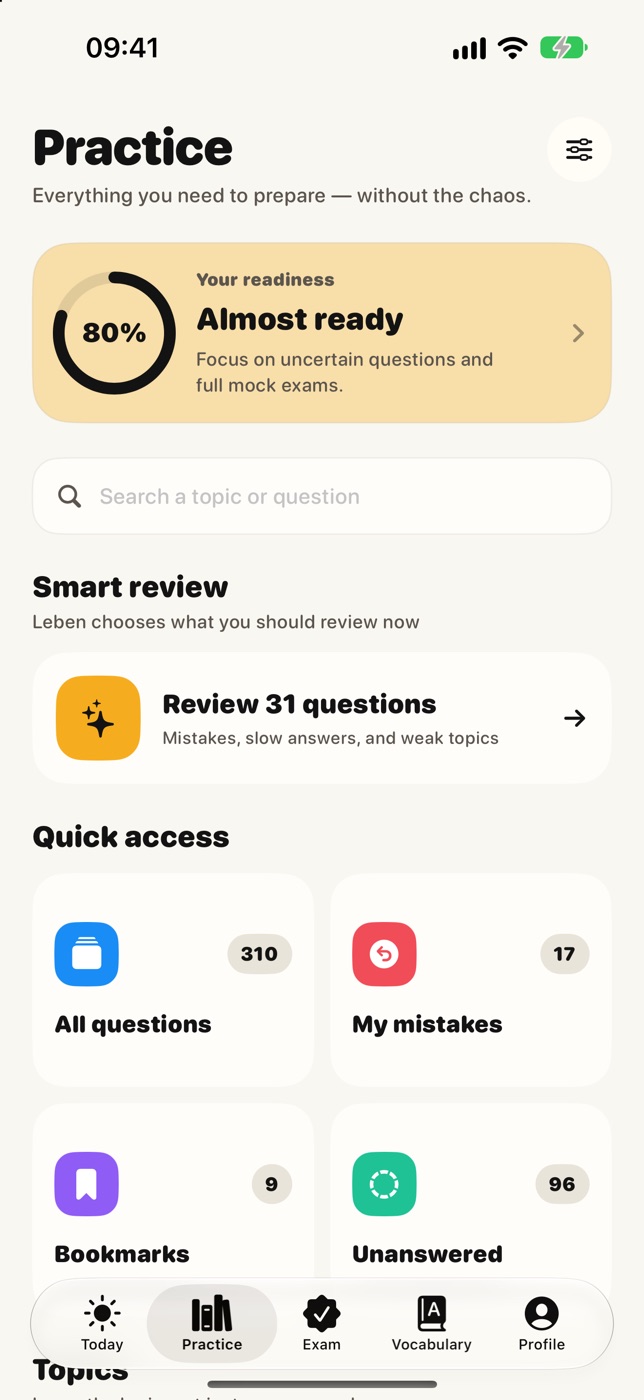
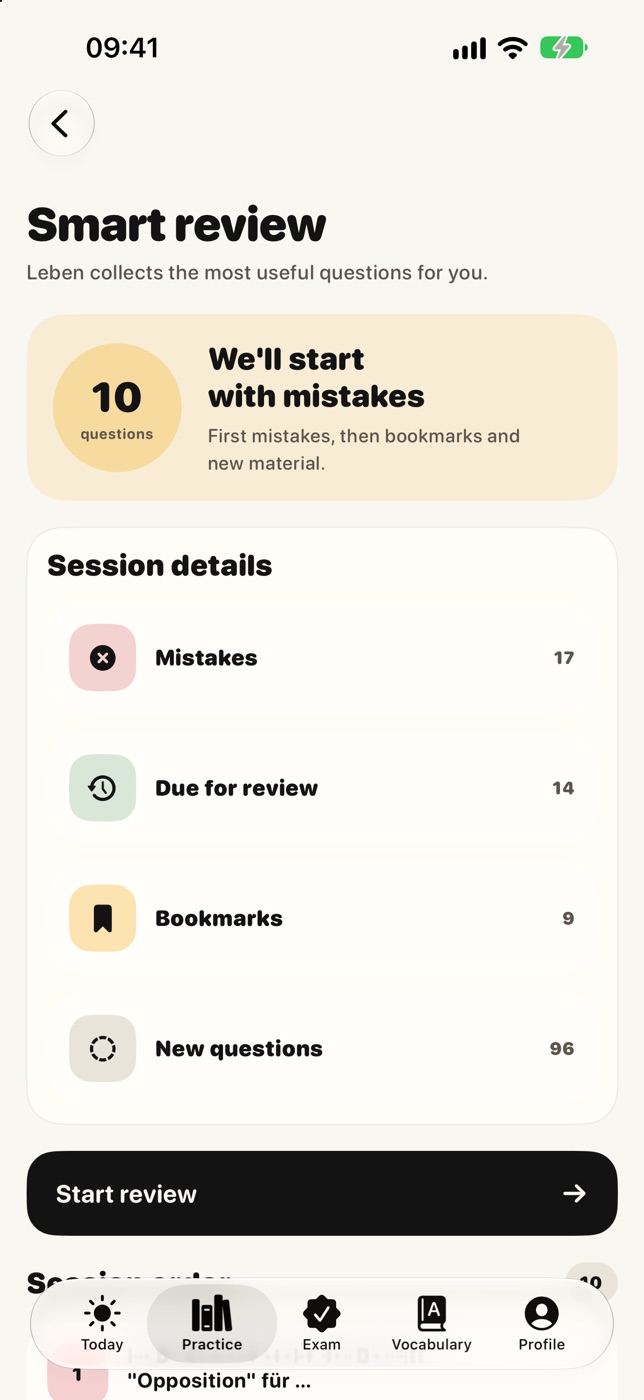
Each question comes back when it is time to refresh it. Smart review starts with your mistakes, then questions due for review, bookmarks and new ones.
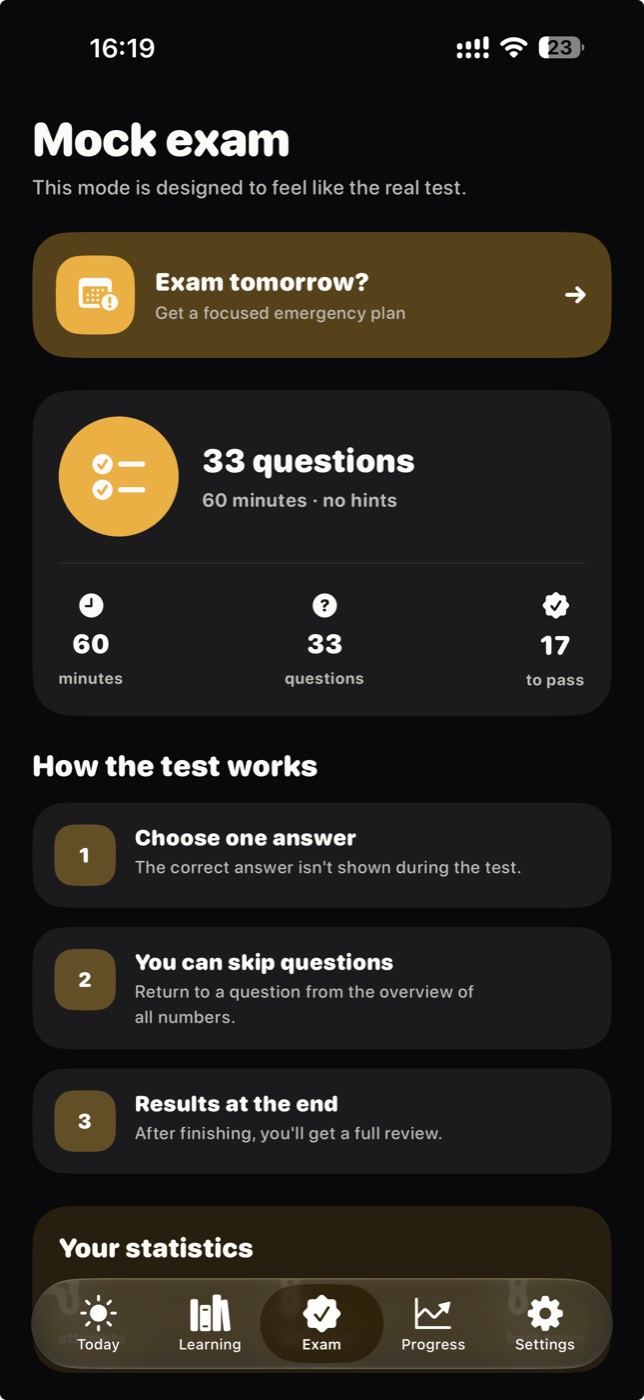
33 questions in 60 minutes: 30 general and 3 about your federal state, no hints. The timer keeps running when you leave the app, and at the end you get a full review of every answer and can share your result.
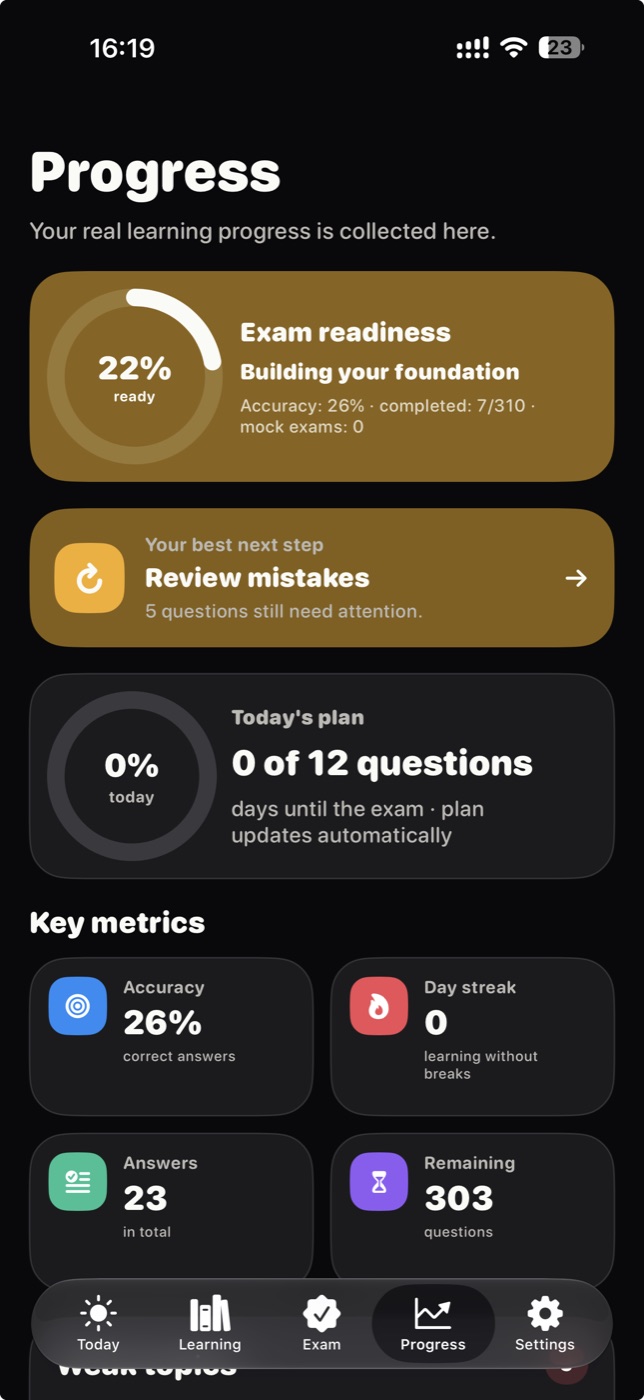
Readiness, accuracy, learning streak and progress by topic, with the best next step on one screen.
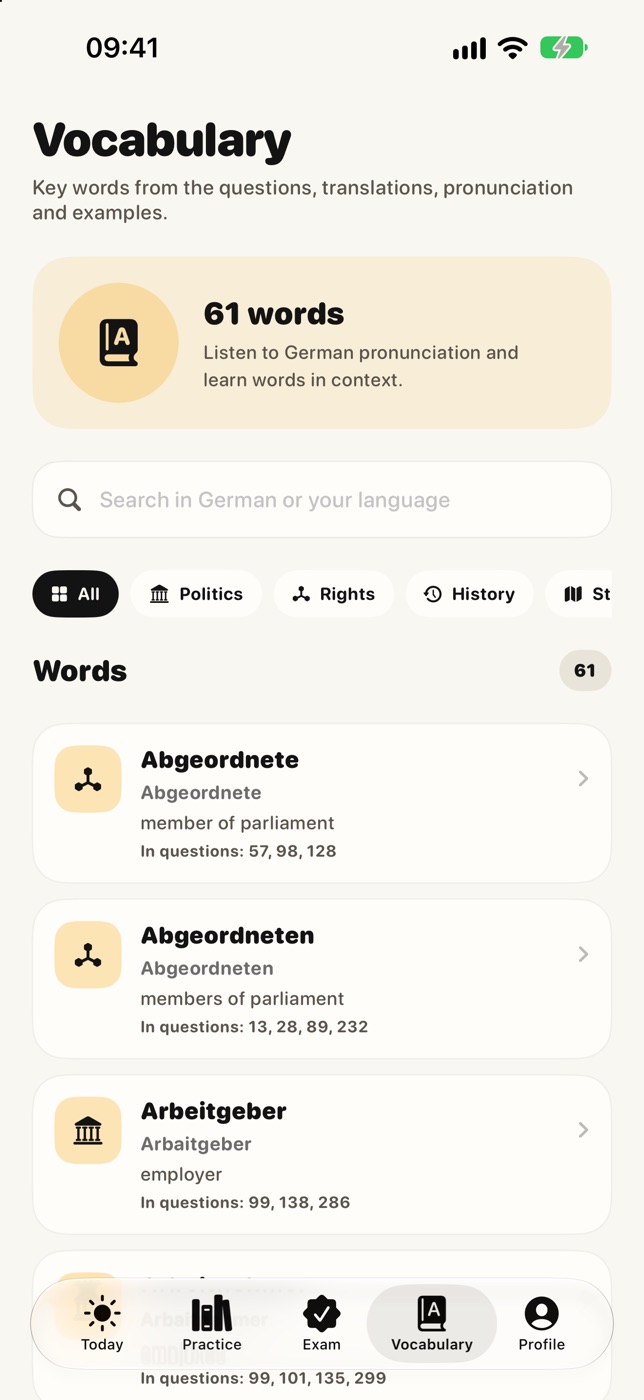
Key German words from the questions with translation, pronunciation and the questions they appear in.
During a mock exam, a Live Activity shows the time left on the Lock Screen and in the Dynamic Island.
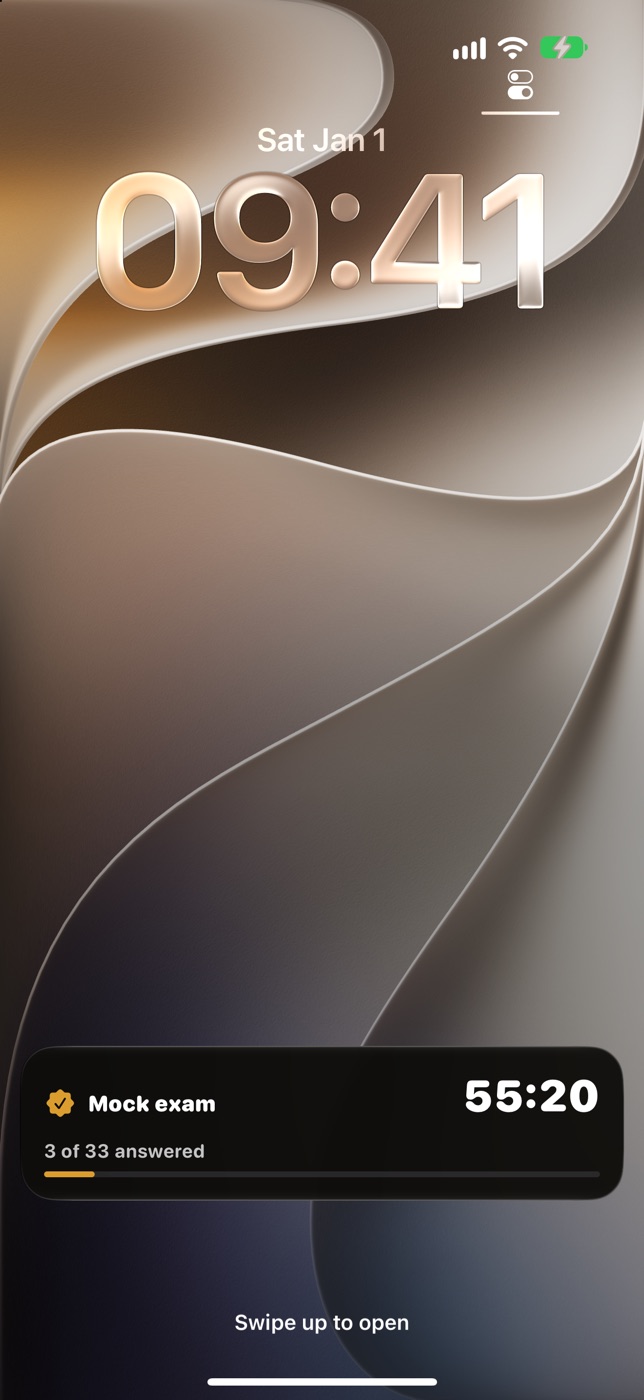
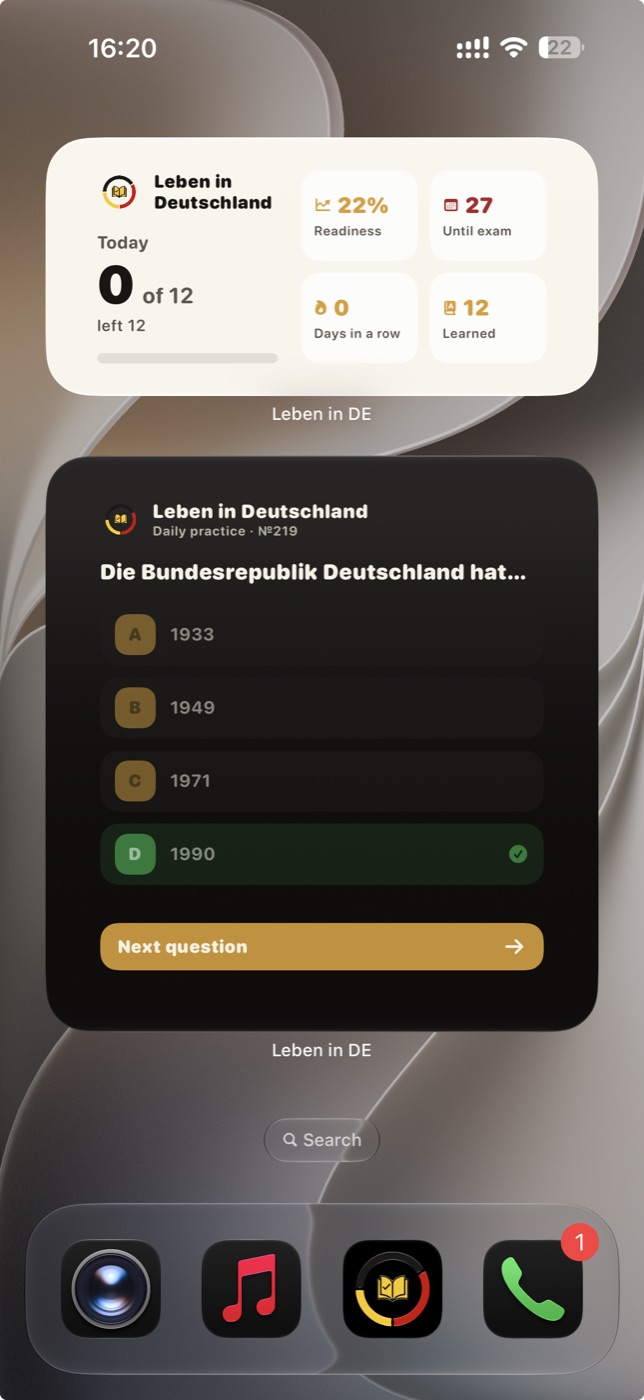
Widgets for the Home and Lock Screen, Control Center buttons, Siri and Shortcuts.
On iPad, Leben uses the big screen: a sidebar for quick navigation and more room for explanations. Sign in with Apple or Google, and your progress syncs between iPhone and iPad, even if you studied offline.
Start right away as a guest: your progress stays on your device. Sign in with Apple or Google only if you want to sync between iPhone and iPad.
Read the privacy policy →Yes. Everything in the app is free, with no ads and no subscriptions.
No. You can use the app as a guest, and your progress stays on your device. An account is only needed to sync progress between devices.
iPhone and iPad with iOS 17.6 or later.
The questions stay in German, just like in the exam. The interface is available in 17 languages, including Ukrainian, Turkish, Arabic, Persian, Dari, Polish, Romanian and Kurdish. Translations of questions and explanations are machine-generated and can be shown next to the German original.
Yes. All questions are inside the app, so you can study without internet. If you are signed in, your progress syncs once you are back online.
In the app, open your profile, then Account → Delete account. This deletes your account and synced progress. You can also email hi@moonage.me with the subject “Delete my account”.
Use “Reset progress” in your profile, or delete the app from your device.
No. Leben is an independent learning app. Its explanations, translations and learning tools help you prepare, but it is not an official product of BAMF or any other German authority.
Free on the App Store for iPhone and iPad.